视图
Nuxt 提供了多个组件层来实现应用的用户界面。
app.vue
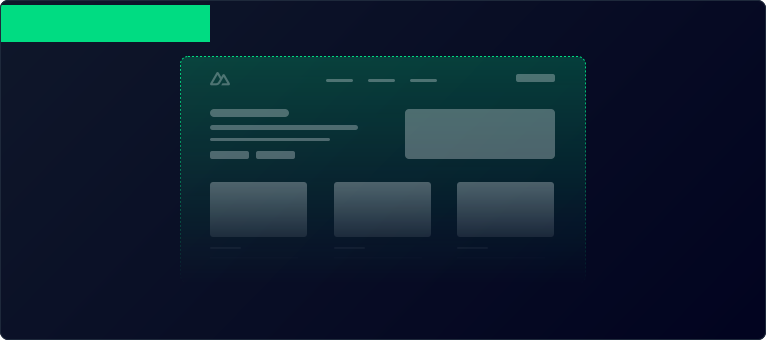
默认情况下,Nuxt 会将此文件视为入口(entrypoint),并为应用的每个路由渲染它的内容。
app/app.vue
<template>
  <div>
    <h1>Welcome to the homepage</h1>
  </div>
</template>
如果你熟悉 Vue,可能会疑惑
main.js(通常用来创建 Vue 应用的文件)去哪里了。Nuxt 在幕后帮你完成了这件事。组件(Components)
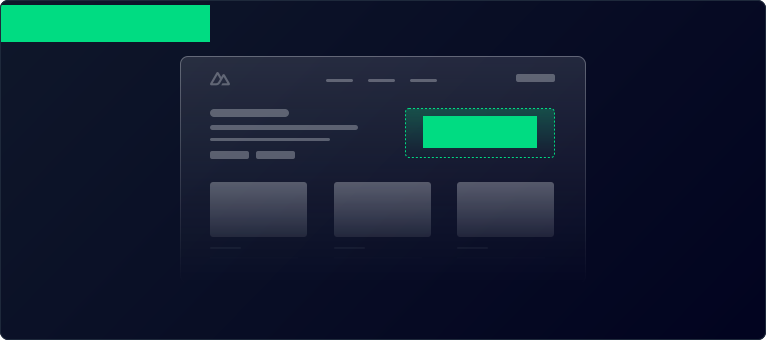
大多数组件是可复用的用户界面片段,例如按钮和菜单。在 Nuxt 中,你可以在 app/components/ 目录中创建这些组件,它们会自动在整个应用中可用,无需显式导入。
<template>
  <div>
    <h1>Welcome to the homepage</h1>
    <AppAlert>
      This is an auto-imported component.
    </AppAlert>
  </div>
</template>
<template>
  <span>
    <slot />
  </span>
</template>
页面(Pages)
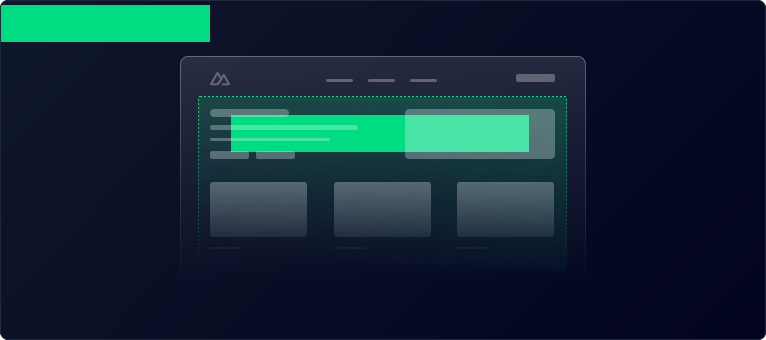
页面代表每个特定路由模式的视图。app/pages/ 目录中的每个文件都代表一个不同的路由,用于展示其内容。
要使用页面,请创建 app/pages/index.vue 文件,并向 app/app.vue 添加 <NuxtPage /> 组件(或者删除 app/app.vue 以使用默认入口)。现在你可以通过在 app/pages/ 目录中添加新文件来创建更多页面及其对应的路由。
<template>
  <div>
    <h1>Welcome to the homepage</h1>
    <AppAlert>
      This is an auto-imported component
    </AppAlert>
  </div>
</template>
<template>
  <section>
    <p>This page will be displayed at the /about route.</p>
  </section>
</template>
布局(Layouts)
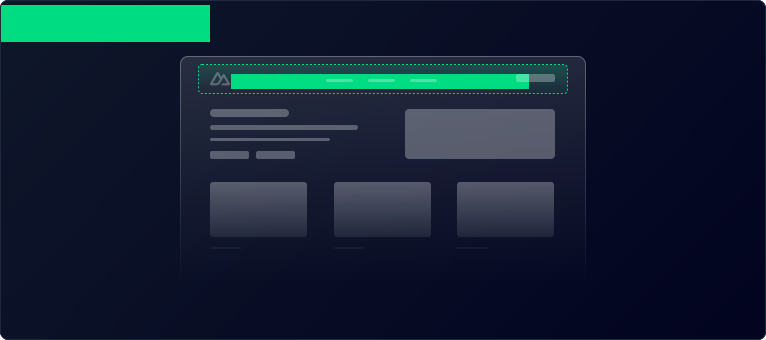
布局是页面的外层包裹,包含多个页面共用的用户界面,例如页眉和页脚。布局是使用 <slot /> 组件来展示页面内容的 Vue 文件。默认会使用 app/layouts/default.vue 文件。可以通过页面元数据设置自定义布局。
如果你的应用中只有一个布局,我们建议使用
app/app.vue 配合 <NuxtPage />。<template>
<div>
<NuxtLayout>
<NuxtPage />
</NuxtLayout>
</div>
</template>
<template>
  <div>
    <AppHeader />
    <slot />
    <AppFooter />
  </div>
</template>
<template>
  <div>
    <h1>Welcome to the homepage</h1>
    <AppAlert>
      This is an auto-imported component
    </AppAlert>
  </div>
</template>
<template>
  <section>
    <p>This page will be displayed at the /about route.</p>
  </section>
</template>
如果你想创建更多布局并了解如何在页面中使用它们,请参阅布局章节。
进阶:扩展 HTML 模板(Advanced: Extending the HTML Template)
如果你只需要修改
<head>,请参阅 SEO 与 meta 章节。你可以通过添加一个注册 hook 的 Nitro 插件来完全控制 HTML 模板。
render:html hook 的回调函数允许你在 HTML 发送给客户端之前修改它。
server/plugins/extend-html.ts
import { definePlugin } from 'nitro'

export default definePlugin((nitroApp) => {
  nitroApp.hooks.hook('render:html', (html, { event }) => {
    // This will be an object representation of the html template.
    console.log(html)
    html.head.push(`<meta name="description" content="My custom description" />`)
  })
  // You can also intercept the response here.
  nitroApp.hooks.hook('render:response', (response, { event }) => { console.log(response) })
})